
Tuya is a popular smart home brand offering affordable and innovative products like smart plugs, lights, and sensors. These products are easy to use and cost-effective but may not meet industrial or commercial standards and lack expandability. This post aims to make the Tuya electricity meter expandable.
Creating a smart home energy monitoring system involves using Tuya’s WiFi metering devices to measure real-time energy consumption. Tuya’s free platform will configure and manage these devices, and its API will send data to a middleware system for processing and analysis.
Tuya Platform
Tuya offers three subscription models: Trial Edition, Flagship Edition, and Corporate Edition. For the initial phase, we will use the Trial Edition, which is for individual developers or debugging, with a limit of 50 devices. Note that commercial use is prohibited in the Trial Edition.
1. TuyaLink
TuyaLink open solution allows smart devices to connect to Tuya’s cloud services. To connect your Tuya-enabled hardware to Tuya Cloud using TuyaLink, follow these steps:
- MobileApp: Each TuyaLink-based device comes with a QR code or a procedure to connect the hardware into Tuya APP. Two official Tuya apps are available, the Tuya Smart App and the Smart Life App. These 2 are NOT share data so, from your account section find out which one must be installed.
- Tuya Smart App: Uses the Tuya logo and elements.
- Smart Life App: Removes all Tuya logos and elements.
- Cloud: A cloud project on the Tuya Developer Platform is a collection of resources like devices, API permissions, and data assets, isolated from other projects. You can create, manage, edit, or delete custom development or smart home cloud projects to suit your needs.
- Cloud Services: Cloud services refer to the infrastructure, platforms, or software provided over the internet by a cloud provider. Key Components are :
- Infrastructure as a Service (IaaS) : Virtualized computing resources like servers, storage, and networking.
- Platform as a Service (PaaS) : Tools and services for application development, such as APIs, databases, and middleware.
- Software as a Service (SaaS) : Fully functional applications delivered over the internet (e.g., Tuya’s IoT platform).
- Cloud Services: Cloud services refer to the infrastructure, platforms, or software provided over the internet by a cloud provider. Key Components are :
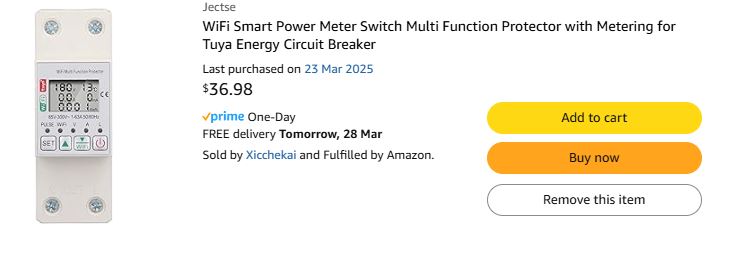
Tuya Cloud, here I come… It’s time to buy a generic power meter from Amazon!
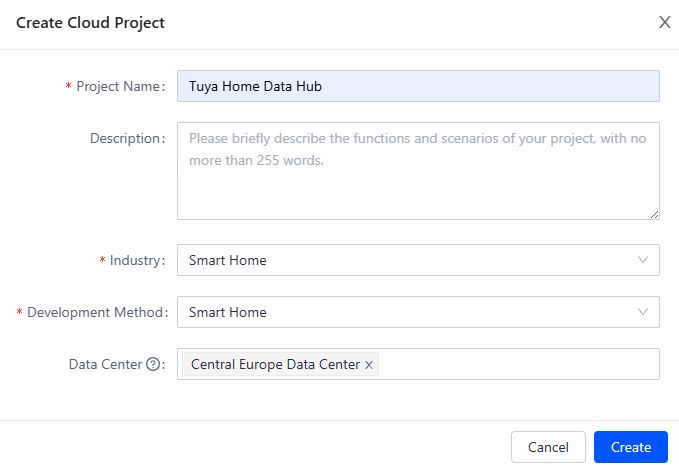
Create a Cloud Project; I am in Australia … Humm Central Europe Data Center (Link1)…
Select ALL API Services (No IDEA why!–:)– )
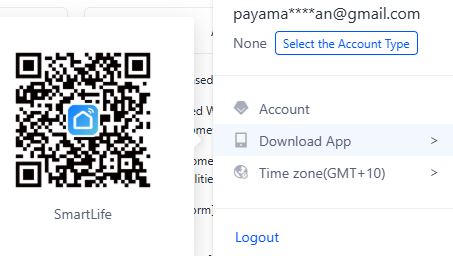
How to add the device to the project? … Adding the device requires the correct mobile app (See the left picture for the correct app); read the device’s instructions to do it.
It’s on a mobile device, but not on a cloud project…
App accounts can be linked to cloud accounts, so devices in the App will be accessed via the cloud. Easy peasy
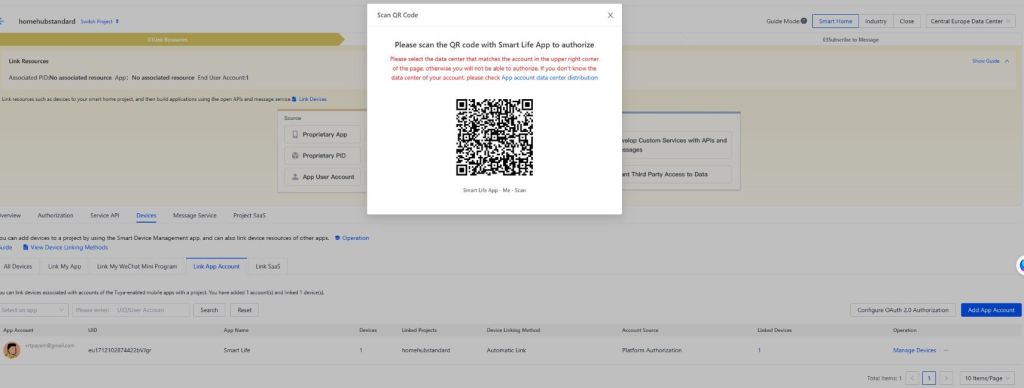
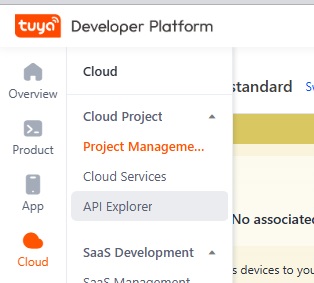
So What !! The device is here, but what are the APIs?
I would like to test them…
Ah, the API Explorer window.
The easiest API is Device Management -> Query Device Details. The Device ID can be found in Manage Devices in the previous window
API development is a general disaster… Authorization is so annoying … Solution I found : Service SDKs. Clone it then pip install tuya-connector-python and python main.py
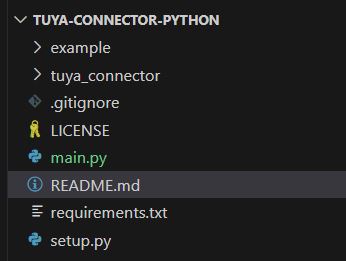
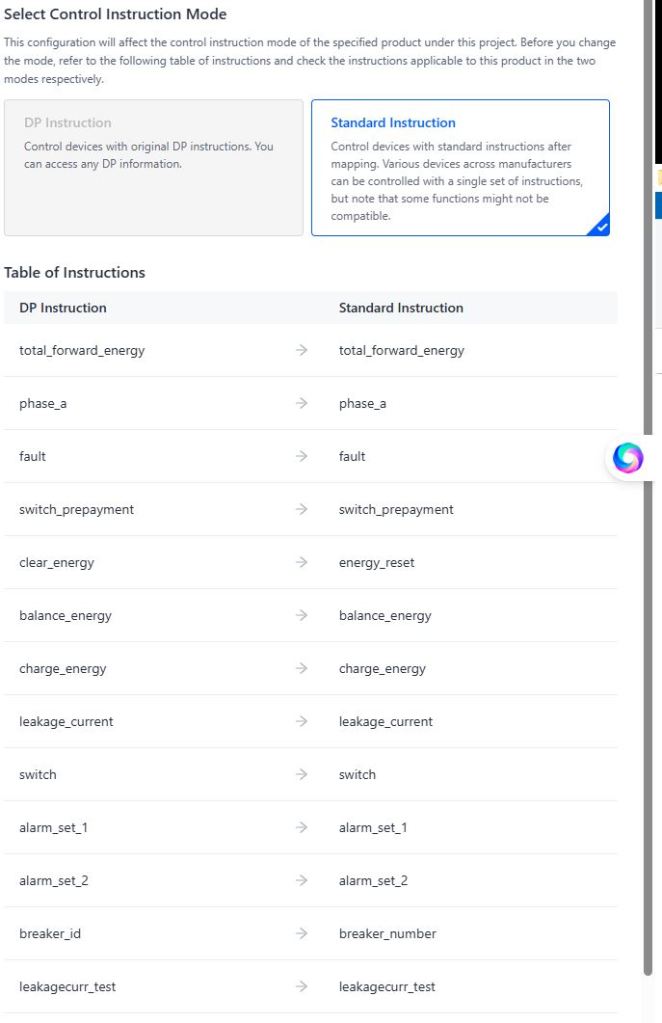
It works, but where can I check the power consumption? In the API Explorer, under the Device Control section, there’s an API named the Query property. I understand device_id, but I’m not sure about the codes. Where can I find my device codes? You can find them by clicking the eye icon on the overview page in the Device section.
Link1: https://developer.tuya.com/en/docs/iot/oem-app-data-center-distributed?id=Kafi0ku9l07qb

 Electrical Engineer